Turn WordPress admin into a focused workspace in minutes
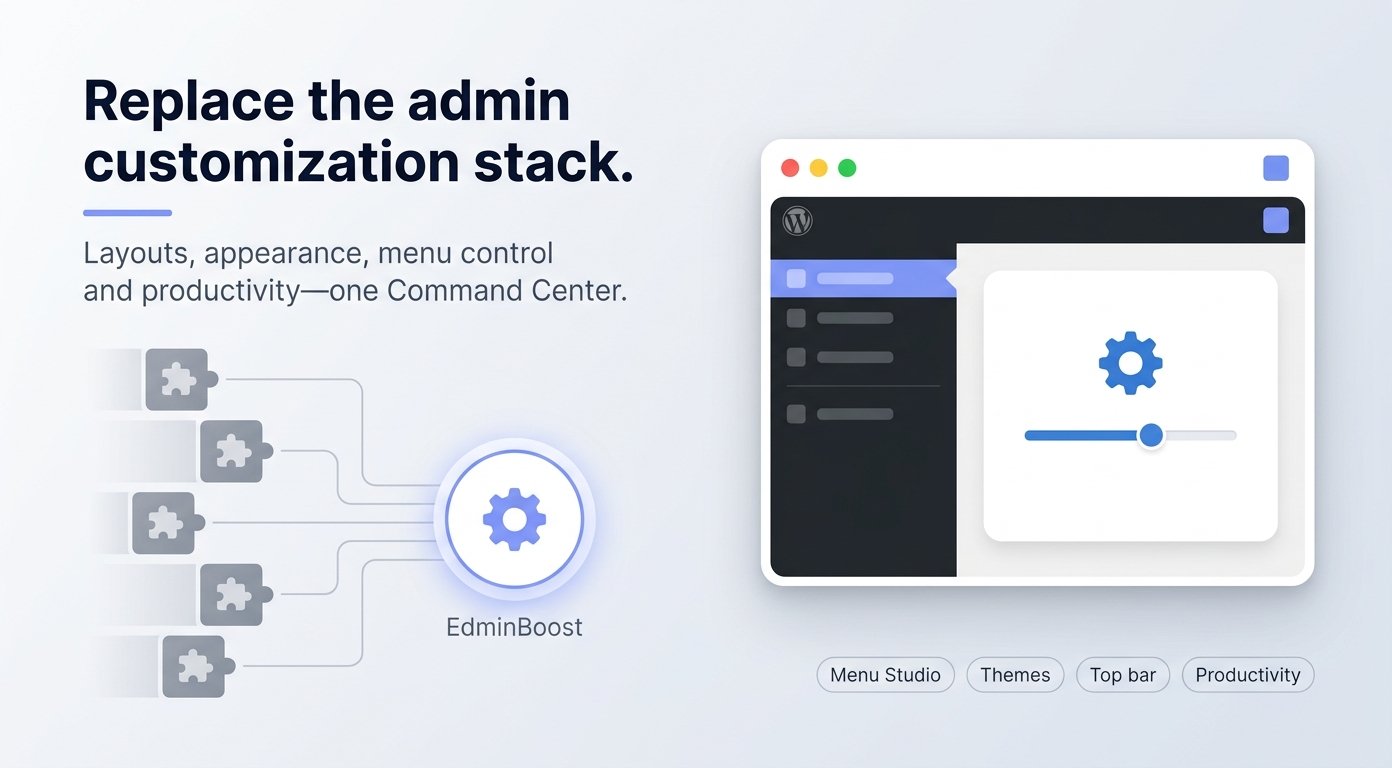
Hide clutter, pin what matters, and open WooCommerce, comments, and updates from one bar. Role-based layouts help agencies hand off sites without overwhelming editors. EdminBoost gives you layout presets, a top bar builder, Menu Studio, visual themes, and opt-in productivity tools all inside wp-admin.
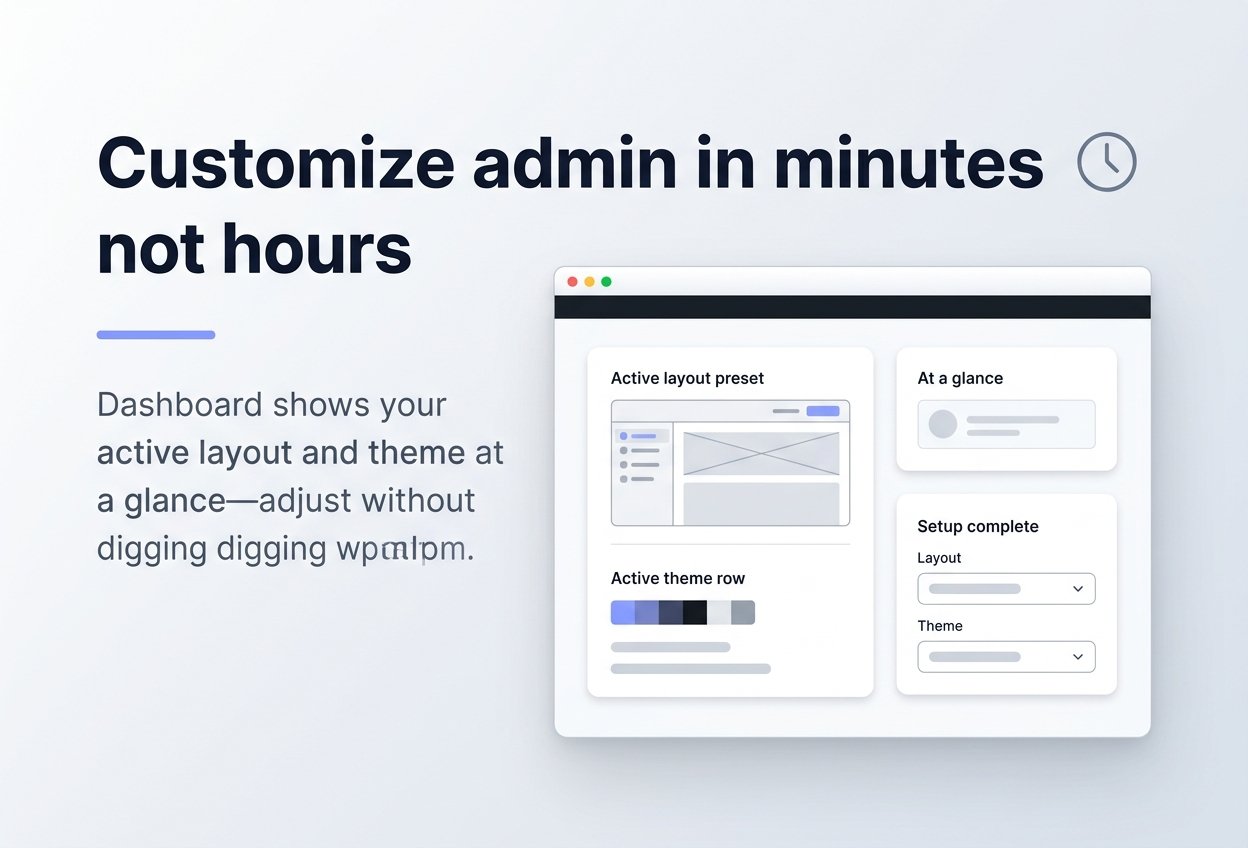
The Dashboard shows your active layout and theme at a glance so you can adjust without digging through wp-admin after customization.
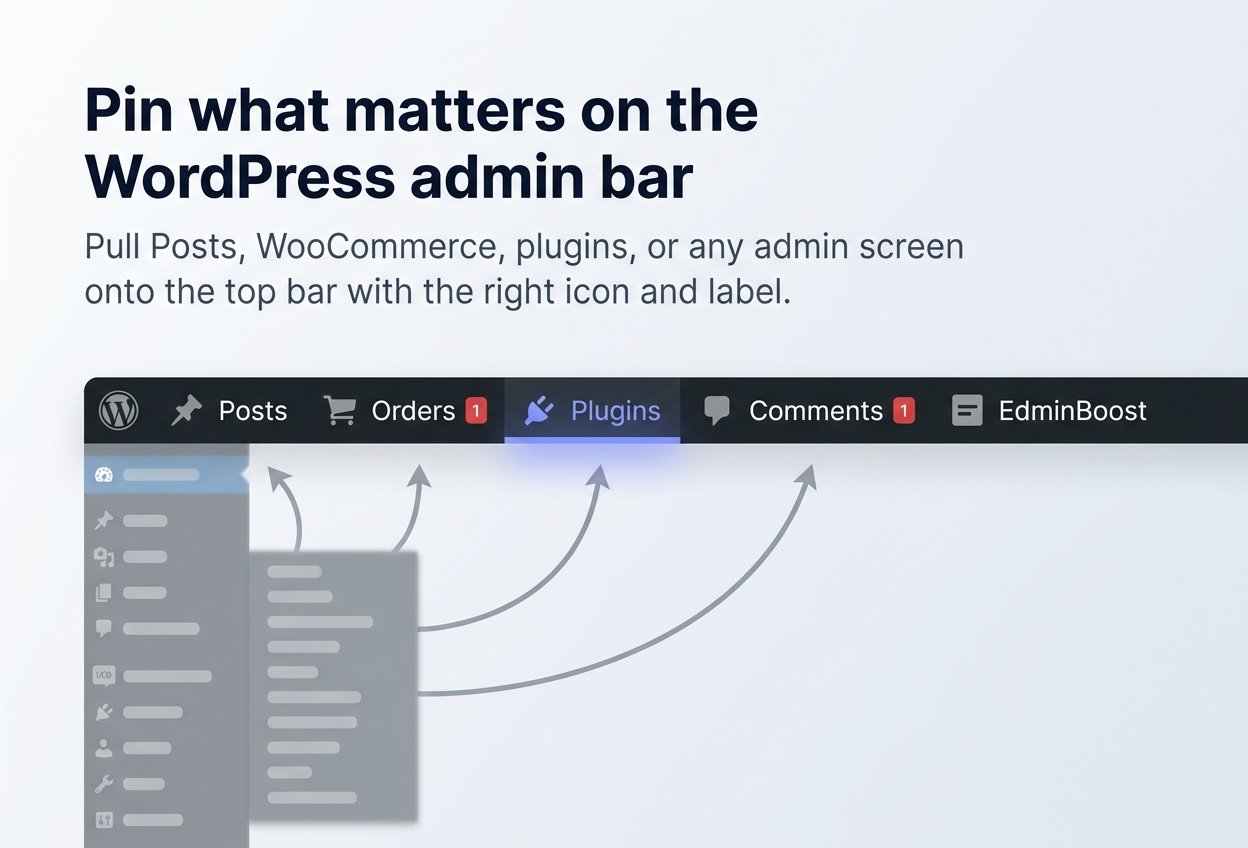
Pull Posts, WooCommerce, plugins, or any admin screen onto topbar with the right icon and label. Stop opening the same five menus from the sidebar every day.
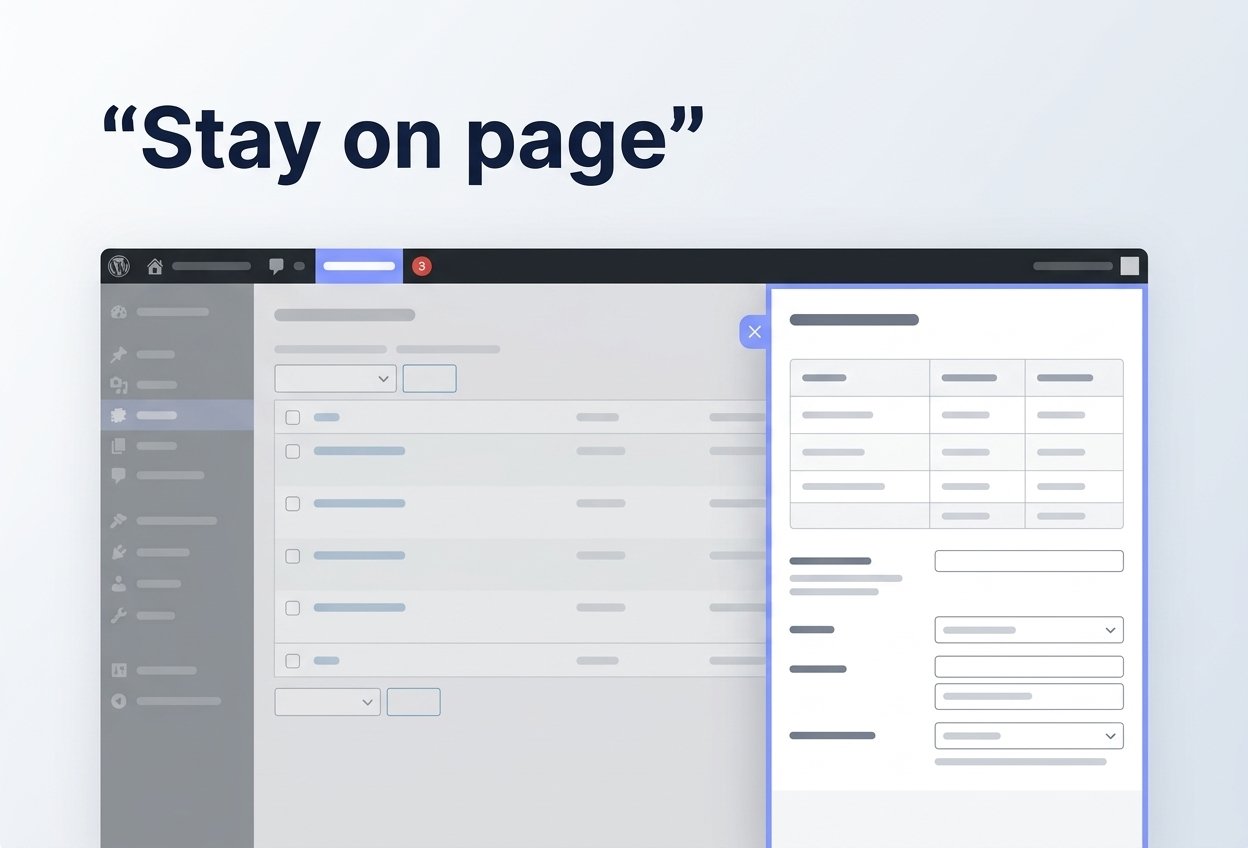
Switch links to slide-out drawer panels instead of full navigation. Tune panel width, animation, and badge style. Live badge counters for orders, comments, updates, and forms read local site data only, no external API.
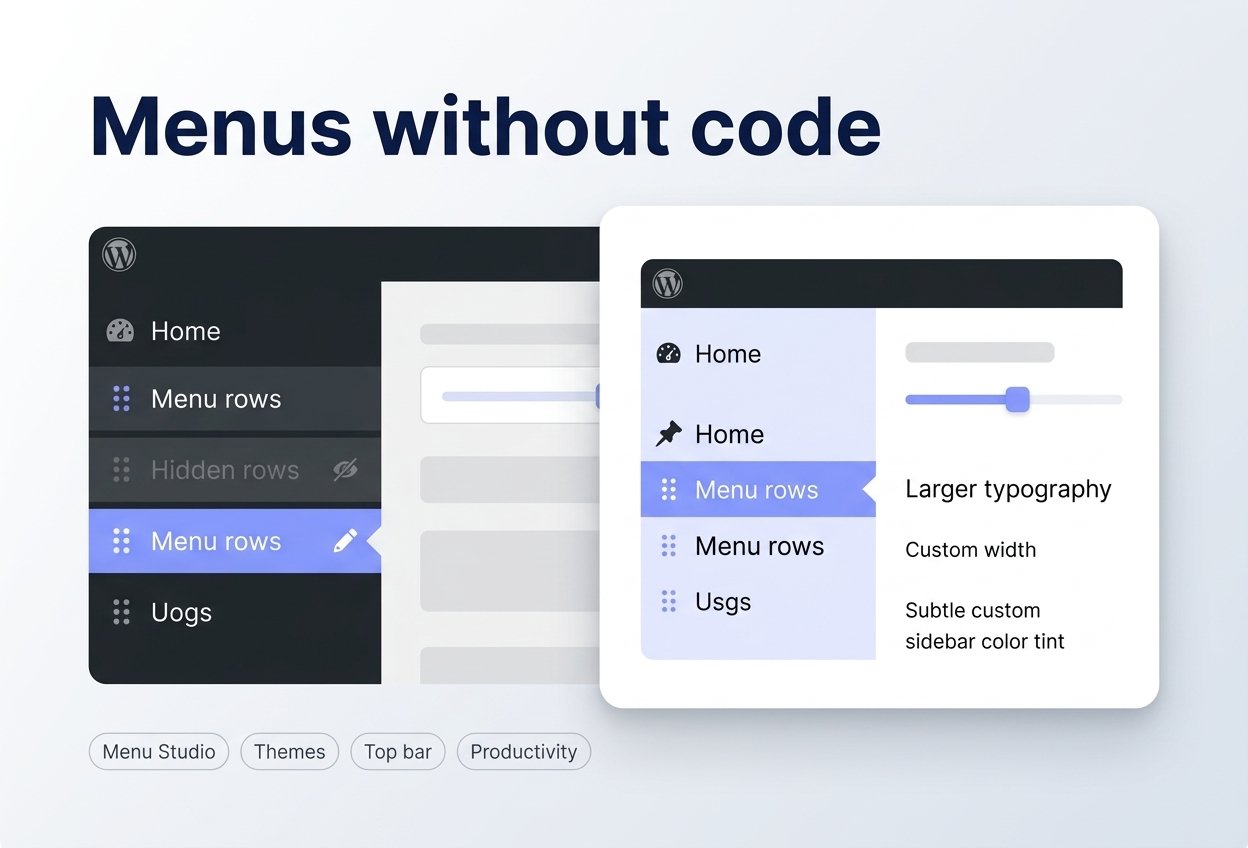
Reorder & hide top-level and submenu items on a visual canvas. Adjust width, typography, and sidebar colors with a live preview for cleaner client menus.
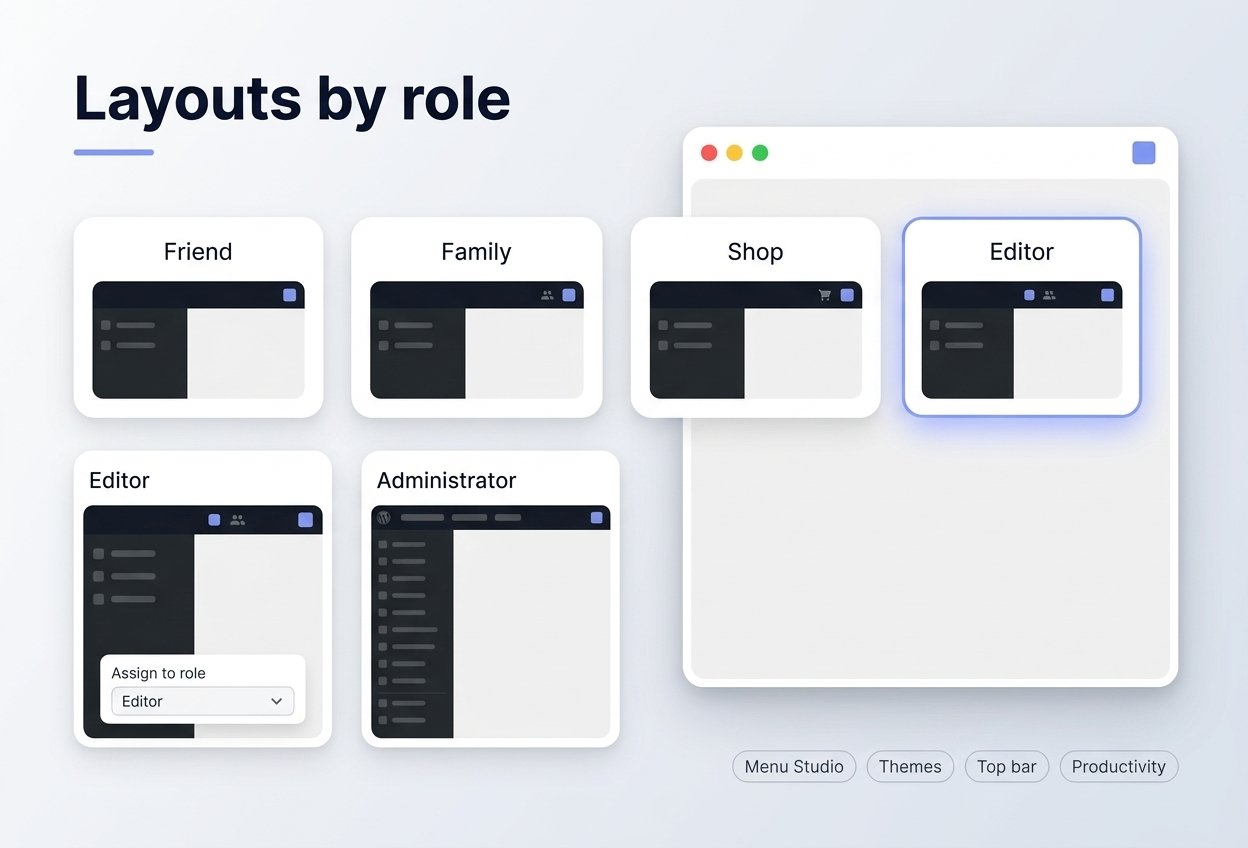
Pick Friend, Family, by-role, or use-case presets that bundle top bar + sidebar together. Assign layouts per WordPress role so editors see less while admins keep full access. Unlock more scenario presets, unlimited saved custom layouts, and the role visibility matrix.
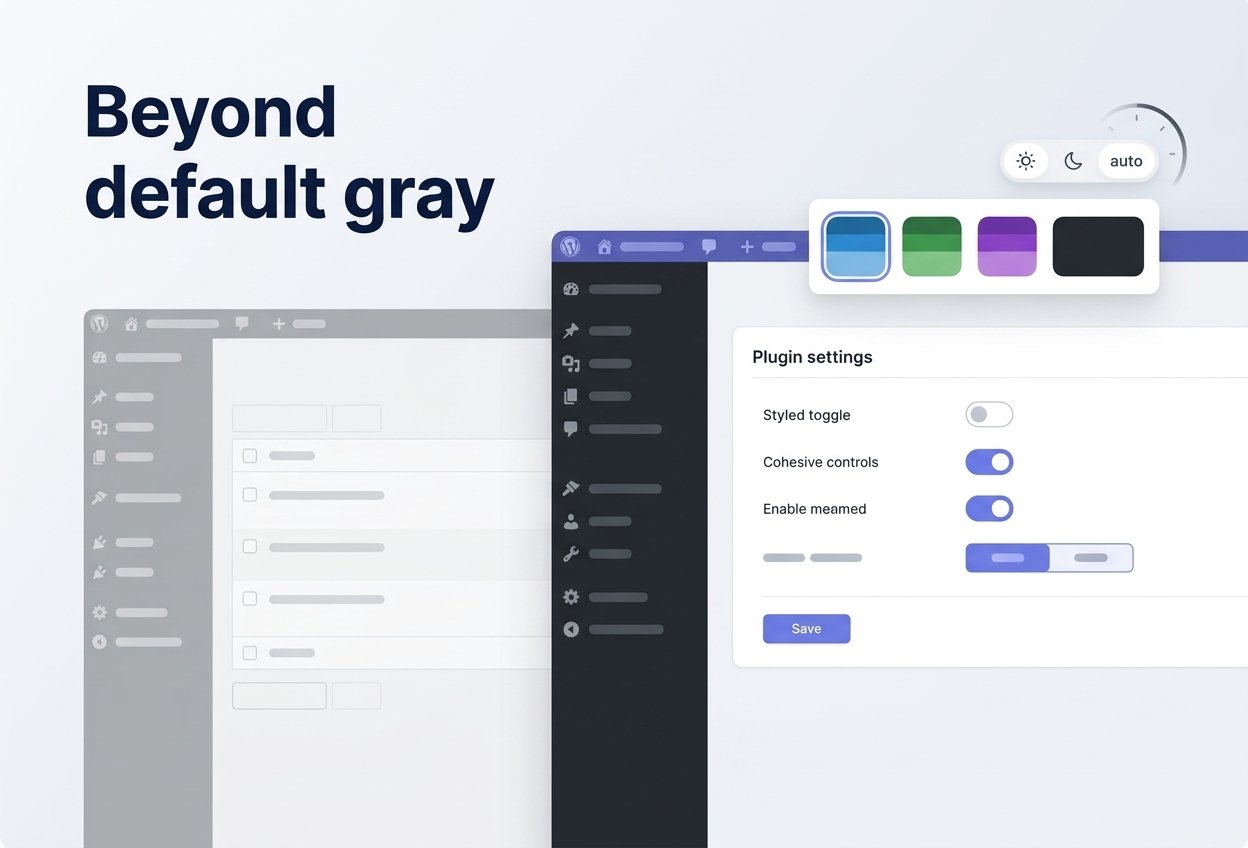
Choose from color themes or the full skin library on Pro. Light, dark, or auto mode plus custom color tokens color the admin bar, sidebar, and plugin UI. Scheduled dark mode switches by time of day on Pro.
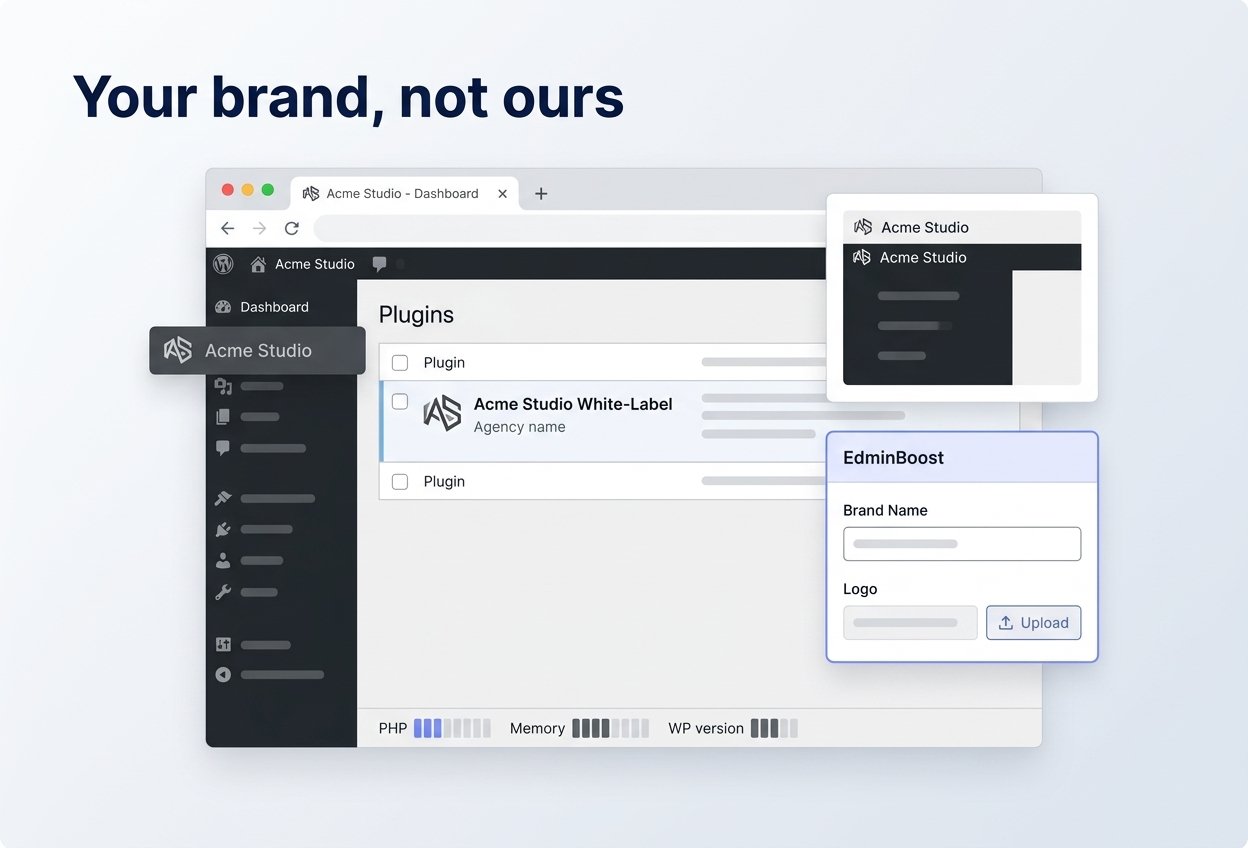
White Label renames the EdminBoost entry on the Plugins screen and in the sidebar, sets admin favicons from your media library, and optionally shows a system status footer (PHP, memory, WordPress version) for support, each field with live preview.
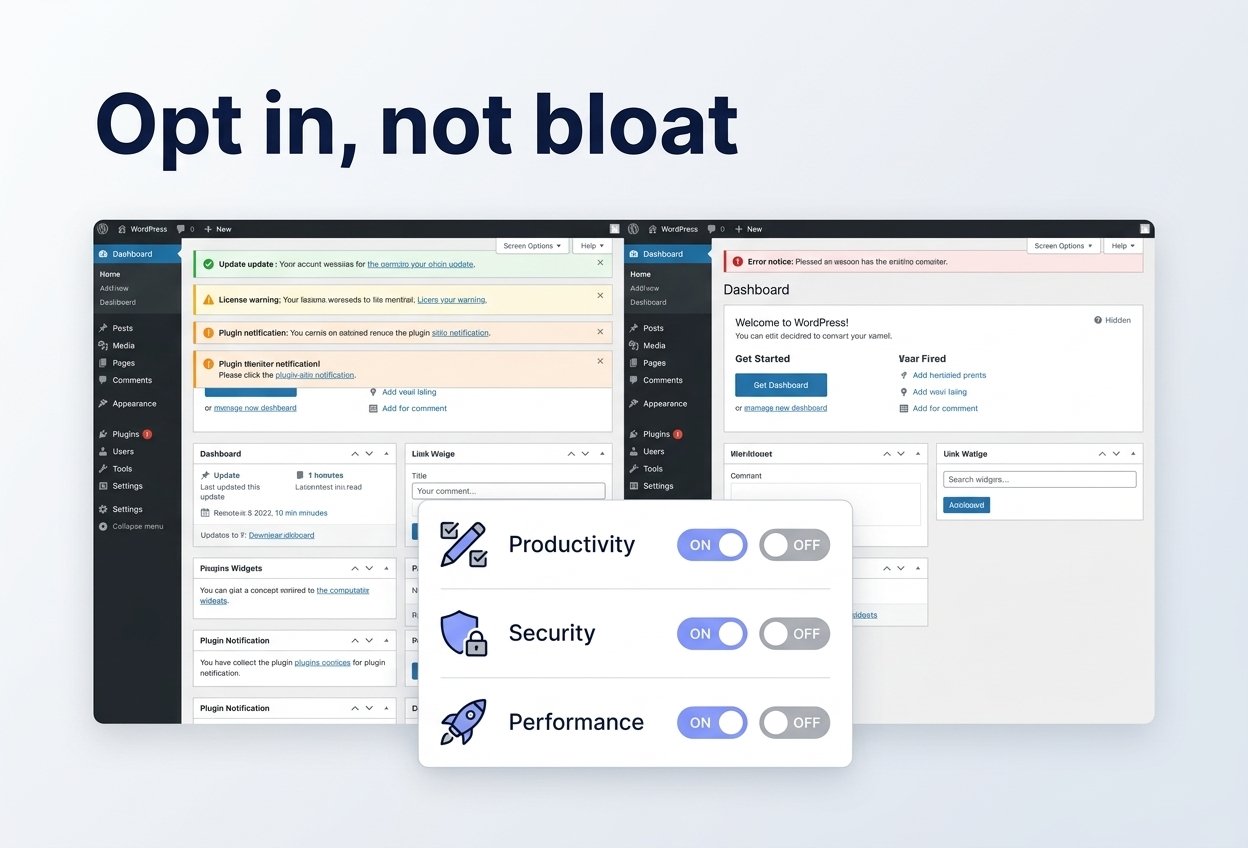
Productivity hides routine notices (errors stay visible), trims dashboard widgets, and adds duplicator, classic widgets, custom list columns, and more. Security and Performance cover XML-RPC, REST hardening, emoji scripts, Heartbeat, and embeds enable only what each site needs.
100% mobile responsive and retina ready, Regardless of devices your customize will always look fit and amazing.
Dedicated support for premium users making it easier to avail faster support.
Built using latest semantic HTML5 markup with schema markdown, Makes it easier for search engines to find your content, if you want.
Tired of non-existence updates? Regular updates are part of our package to keep you up to date with latest WordPress versions.
With 7 day refund policy, you can buy and get refund without having to worry about losing anything.
With 100% translation ready, You can translate our WordPress products' into any language you want without any problem.
We take pride in following latest WordPress coding standards which makes our products 100% secure and lightweight without the bloat.
Eye catching design without loading hundreds of JS scripts will give you best of the both world, beautiful and blazing fast website.
We follow bare-bone structure instead of integrating unnecessary frameworks. Thus our products are lightweight on your server resulting better page speed.
Billed yearly
$49Billed yearly
$99You can pin admin screens on the top bar, reorder and hide sidebar items in Menu Studio, apply layout presets (top bar + sidebar together), pick admin color themes (light/dark/auto and custom tokens), and turn on modular tools to hide clutter, harden security, and trim performance overhead—each toggle is optional.
Pro adds, among other things:
- 8 extra by use case layout presets (10 use-case presets total with Free’s Friend & Family)
- Unlimited saved custom layouts (Free: 1)
- Role visibility matrix (“who sees what” per role)
- 17 additional theme skins (20 built-in skins + Custom)
- Scheduled dark mode
- Slide-out drawer panels on the live admin top bar
- Live badge counters (local data only—orders, comments, updates, forms, etc.)
- Drawer styling: full-screen/custom width, badge style, animation speed, glassmorphism
- Custom sidebar links and icon/text display modes in Menu Studio
- Role-based login and logout redirects
- White-label branding (plugin row, menu label, favicons, optional system status footer)
- Settings JSON export and import
EdminBoost is built to stay lightweight: admin assets load mainly on EdminBoost screens and when the visual theme or Command Center bar is active. Productivity and performance toggles are opt-in (emoji scripts, Heartbeat, embeds, etc.). The public storefront is unchanged unless you enable features that affect the front end.
Yes—that’s what EdminBoost is built for. Layout presets bundle the top bar + sidebar so each role sees a focused workspace, not the full WordPress maze. On Pro, the role visibility matrix hides dev-only items per role, and white label keeps your brand on the Plugins screen and in the sidebar so handoffs feel like your product, not “another plugin.”
Minutes, not a custom dev sprint. Run the Dashboard setup wizard, pick a by-role or use-case preset, save once, and you’re live. The overview shows layout and theme at a glance so you can tweak without reopening ten admin screens. Agencies often standardize one preset library and reuse it across sites.
Snippets break on updates, aren’t visual, and don’t give you a top bar builder, Menu Studio, or exportable settings. EdminBoost stores everything in your database via WordPress APIs—reviewable, portable (Pro export/import), and built for repeatable client delivery instead of one-off code.
Only if you leave them visible. Reorder and hide sidebar items in Menu Studio, assign layouts per WordPress role, and on Pro fine-tune who sees what beyond the preset. Admins keep full access; authors and shop staff get a smaller, safer menu that matches how they actually work. .
Pin orders, products, and reports on the top bar with the right labels and icons. On Pro, open deep screens in a slide-out drawer so managers don’t lose context, and add live badges (e.g. unread orders, pending reviews) that read local store data only—no external API, no checkout friction for your team.
EdminBoost is WordPress-native: hooks and options, no core file edits. You enable only what you need—productivity, security, and performance toggles are opt-in. The free build shows no fake locked controls; what you see on WordPress.org is fully usable.
Yes—and that’s the point. Install from WordPress.org on unlimited sites, run presets, top bar (redirect links), Menu Studio, core themes, and the full utility modules in the free UI. When you need drawers, badges, unlimited custom layouts, full skin library, white label, and JSON backup, upgrade—your layouts stay in the database; you’re not rebuilding from zero.
Pro includes JSON export/import so you can backup layouts, themes, and Command Center config after a big build and clone the same admin experience to staging or a new install—far faster than re-clicking every menu hide and top bar pin.
Redirect links (Free) are great for simple shortcuts. Drawers (Pro) win when your team opens the same deep screens dozens of times a day—orders, plugins, long settings pages—without leaving the page they’re on. Less tab churn = faster ops and fewer “where was I?” moments. That’s the workflow upgrade agencies buy Pro for.

Compare plans before you upgrade. Paid plans are billed annually.
| FREE VERSION | PRO VERSION | |
| Features | FREE | $49 / $99 |
| Plan basics | ||
| WordPress sites | Unlimited (WordPress.org) | 1 licensed site |
| Command Center & setup wizard | ✓ | ✓ |
| AJAX settings save & tab navigation | ✓ | ✓ |
| Layout presets | ||
| Friend’s Website & Family Member’s Site presets | ✓ | ✓ |
| By-role workflow presets | ✓ | ✓ |
| Use-case presets (Client, Shop Manager, Power User, etc.) | × | ✓ |
| Saved custom layout presets | 1 | Unlimited |
| Role visibility matrix | × | ✓ |
| Top bar | ||
| Drag-and-drop top bar builder | ✓ | ✓ |
| Redirect shortcuts to admin pages | ✓ | ✓ |
| Slide-out drawer panels | × | ✓ |
| Live badge counters (local data only) | × | ✓ |
| Custom / fullscreen drawer widths | × | ✓ |
| Badge style, animation speed, glassmorphism | × | ✓ |
| Menu Studio | ||
| Sidebar reorder & hide | ✓ | ✓ |
| Layout, typography & menu colors | ✓ | ✓ |
| Custom sidebar links | × | ✓ |
| Icon / text / both display modes | × | ✓ |
| Theme (Appearance) | ||
| Default, Midnight & Terminal presets | ✓ | ✓ |
| Custom colors & light / dark / auto mode | ✓ | ✓ |
| Font size, favicon, admin background, status colors | ✓ | ✓ |
| Premium theme skins (17+ beyond free trio) | × | ✓ |
| Scheduled dark mode | × | ✓ |
| Admin bar declutter toggles | ✓ | ✓ |
| Tools & branding | ||
| Productivity, Security & Performance modules | ✓ | ✓ |
| Role-based login & logout redirects | × | ✓ |
| White-label branding | × | ✓ |
| Settings export & import (JSON backup) | × | ✓ |
| Privacy: no tracking or background remote requests | ✓ | ✓ |

